01 / Presets
A look for every game
Move between Aurora, Cinematic, Crisp, and lightweight profiles without rebuilding your settings.
Shape the atmosphere of every Roblox session with a fast visual control deck for bloom, depth, color, and performance-aware presets.
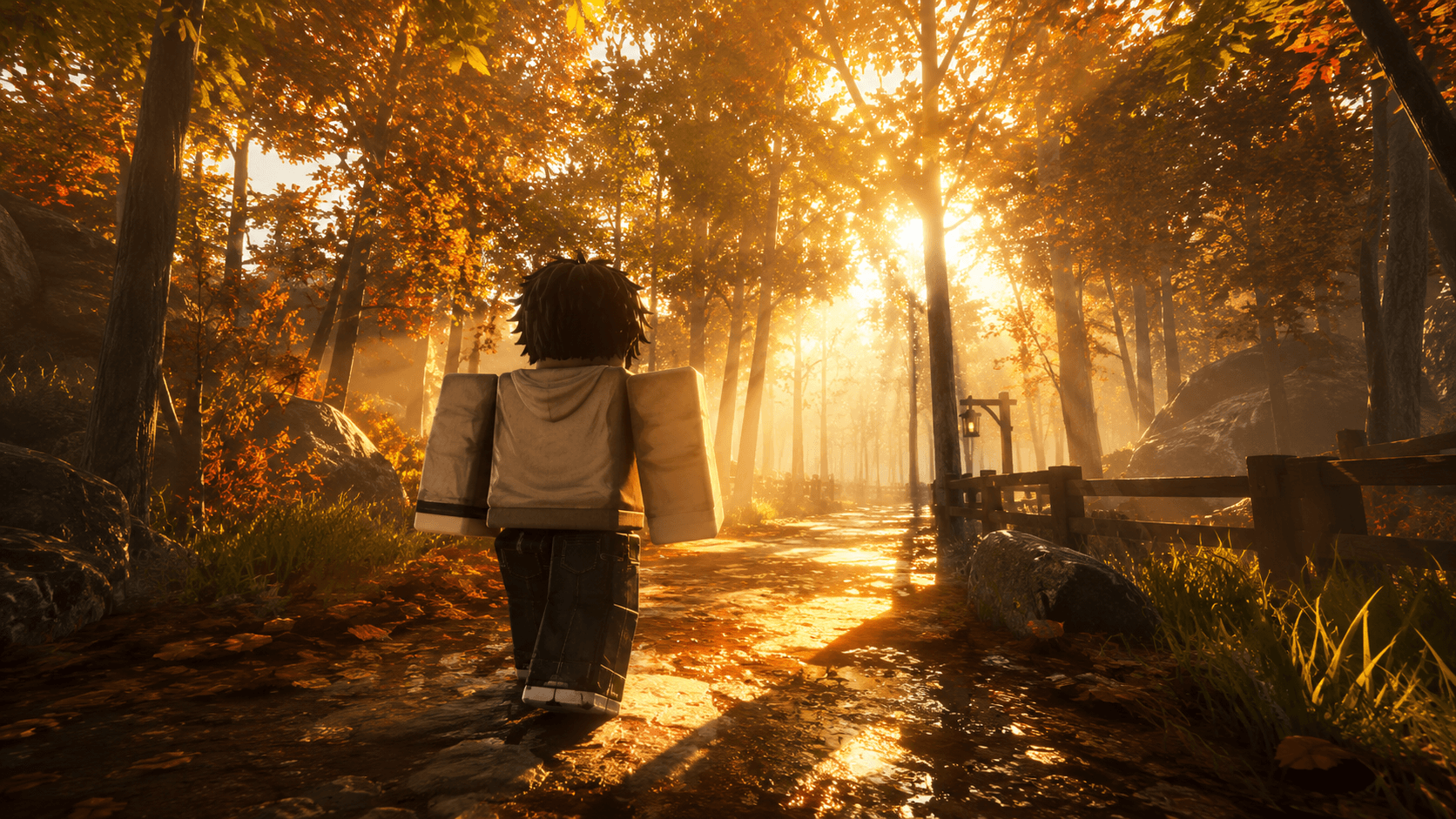
Move between Aurora, Cinematic, Crisp, and lightweight profiles without rebuilding your settings.
Bloom, atmosphere, color depth, shadows, and focus stay readable in a single compact control surface.
Keep the live FPS indicator and balanced presets in view while shaping the scene.
A polished preset system keeps different visual directions organized and one tap away.
Clear state, visible controls, and simple preset switching keep experimentation comfortable.
A compact browser tool that stays one click away whenever you need it.
Install the extracted folder from Chrome's Developer mode screen.
Start with a balanced preset, then move toward cinematic or lightweight settings.
Fine-tune each effect and apply the profile to the current game.
One extension. One focused workflow.